
Features
Everything you didn't know you needed.
Built for people with too much to read and not enough time to read it. Upload files, scan pages, paste links, ask for help, and turn it all into audio you can actually use.
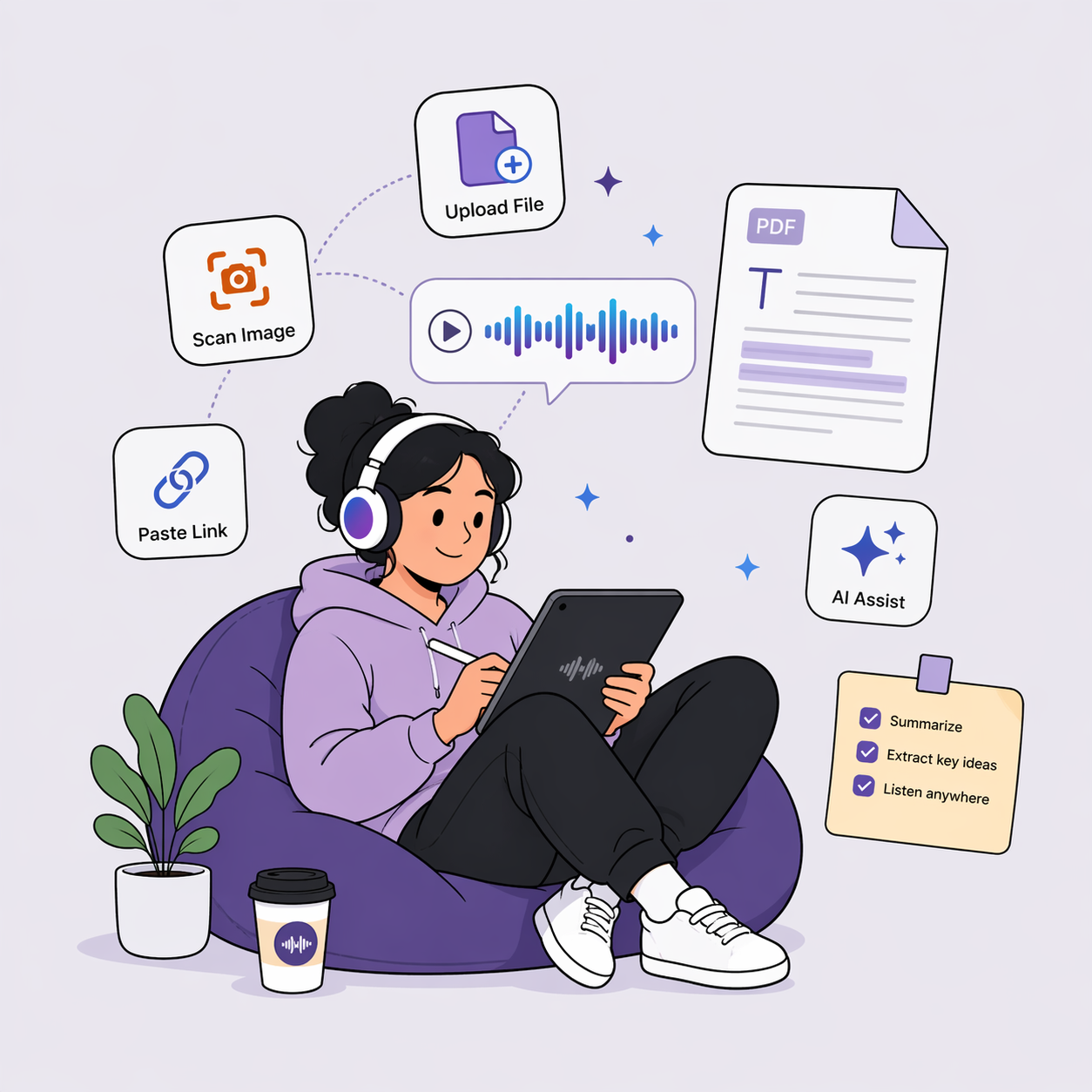
Upload File
PDF, DOCX, TXT, RTF, EPUB, and more. Drop in a document and let Mojo White handle the structure.
Scan Image
Use OCR to turn printed pages, handouts, signs, and screenshots into listenable text.
Paste Link
Send articles, blog posts, and web pages into your listening library.
Paste Text
Copy emails, notes, transcripts, or drafts and start listening without formatting work.
PDF & Document Parsing
Any document, instantly listenable
Upload PDFs, Word docs, e-books, and more. Mojo White extracts text while preserving structure, so long documents become natural, navigable audio.
Supported formats
.docx
.doc
.txt
.rtf
.epub
.html
.md
Smart parsing without the cleanup work
The parser focuses on readable order, useful structure, and fast playback.
Document Scanning
Scan any text, listen anywhere
Turn physical documents into audio with OCR. Books, handouts, printed articles, and everyday text can move from camera to listening queue in a few steps.
Physical books
Capture pages from textbooks, novels, and reference materials.
Printed articles
Turn newspapers, magazines, and printed reports into audio.
Handouts & notes
Listen to class packets, meeting notes, and printed presentations.
Signs & menus
Make everyday printed text more accessible on the go.
How scanning flows
Point & capture
Open the camera and frame the printed text.
Extract text
OCR identifies the words and cleans up the reading order.
Listen instantly
Save it to your library or start playback immediately.

Podcasts
Turn anything into a podcast
Transform documents into engaging audio shows with AI-powered multi-voice conversations. It feels less like a robot reading and more like two hosts unpacking your content.
Multi-voice conversations
Two AI hosts discuss your material instead of reading it verbatim.
Adjustable depth
Choose quick summaries for speed or deeper conversations for complex topics.
Exportable audio
Download generated episodes when you want to listen offline.
Mojo Assistant
Your AI reading companion
Ask questions, get summaries, pull out key ideas, and understand complex content. Mojo Assistant helps you get more from everything you read and hear.
Summarize
Ask for the short version before committing to a long document.
Explain
Turn dense concepts into clearer language without leaving the reading flow.
Find
Ask where a point appears instead of hunting through pages.
Quiz
Generate study questions when you need to check comprehension.

Privacy & Control
Built for private listening libraries
Mojo White is useful only if people can trust it with the content they need to understand.
Frequently asked questions
Ready to start listening?
Create an account and get 30 days of full access. No payment needed. After that, Free (7,500 words a month) or Pro.